
Convert documents
OCR PDF: make scans searchable
Make PDF scans searchable with OCR in 100+ languages; keep each page image.
Choose a file
Choose one scanned PDF, up to 80 pages or 120 MB.
Make a scanned PDF searchable
OCR reads the words in a scan and adds hidden text to the PDF. You can then search, select and copy those words while the original page image stays visible.
Keep the scan and add searchable words
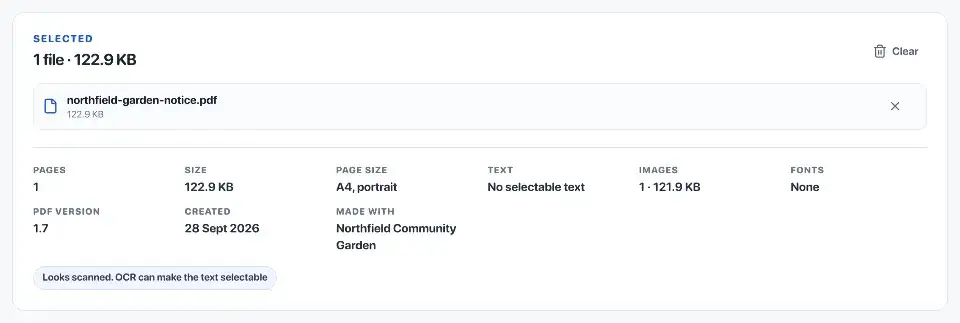
A scanned page is usually a picture of text, so a PDF reader cannot search it. OCR adds a text layer behind that picture. It does not turn the page into an editable Word document or correct the wording printed on it.
The output keeps the original page images. Recognition may use a cleaned-up copy to read unevenly lit photos, but that copy does not replace the visible scan.
Choose the language printed on the page
Leave language detection on automatic, or select the language if it is known. More than one hundred recognition languages are available, including Arabic and Hebrew. The language files download before recognition runs on your device.
The tool checks for existing text and adds recognised lines that are missing. If no new text is needed, it tells you that the PDF is already searchable rather than creating another copy.

Search and copy a few important words
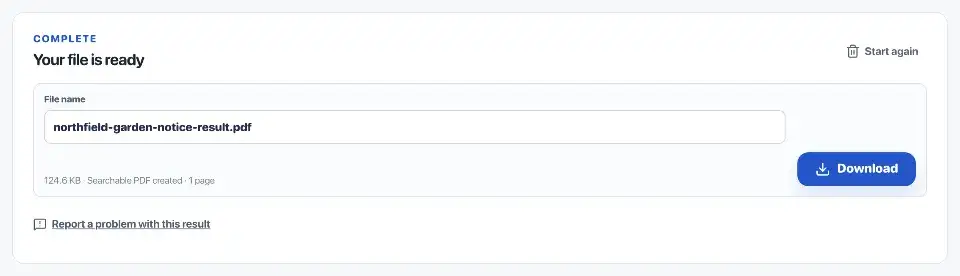
Before offering a download, the tool checks page count, size, rotation, searchable text and page appearance. These checks do not establish that OCR has read every word correctly.
Open the result and search for a name, date or reference number you can see on the scan. Copy a sentence and compare it with the image. Faint print, glare, handwriting and unusual layouts can produce mistakes.
Handle a longer scan in batches
One job accepts up to 80 pages. Use Extract pages to make smaller batches from a longer document, then keep those batches clearly named. OCR is not added to digitally signed PDFs because changing the file would invalidate the signature.
Questions
When does a PDF need OCR?
Use OCR when text on a scanned page cannot be selected or found. It adds an invisible text layer for search, copying and indexing.
Which languages are supported?
More than 100 language models are available, including Turkish, Arabic, Indic scripts, Chinese, Japanese, Korean and historic variants.
What changes on the visible page?
OCR keeps the original page image and adds invisible searchable Unicode text. It does not alter the visible page content.
Where is OCR processed?
OCR runs in this browser. The selected recognition pack is downloaded and cached, while document pages are not sent to a processing server.